3D models for printing
from text, photos, or exact dimensions
Describe an object or upload a photo, and Studio builds a 3D model. The assistant, OpenSCAD, and free generators build parts to exact dimensions. All in your browser.
Your first Fast 3D model is free. No card required.
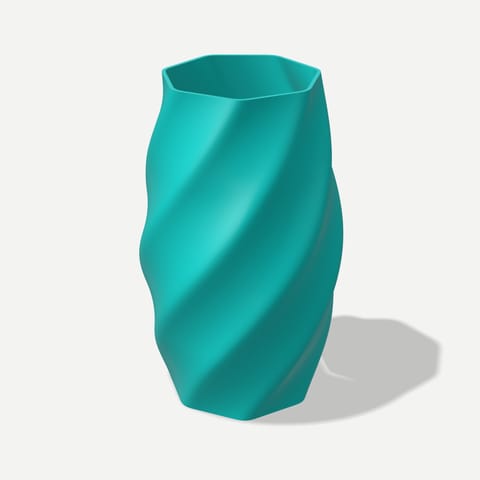


What you get in Studio
Generation from text and photos, parts to exact dimensions, and free tools — all with one Polyzon account.
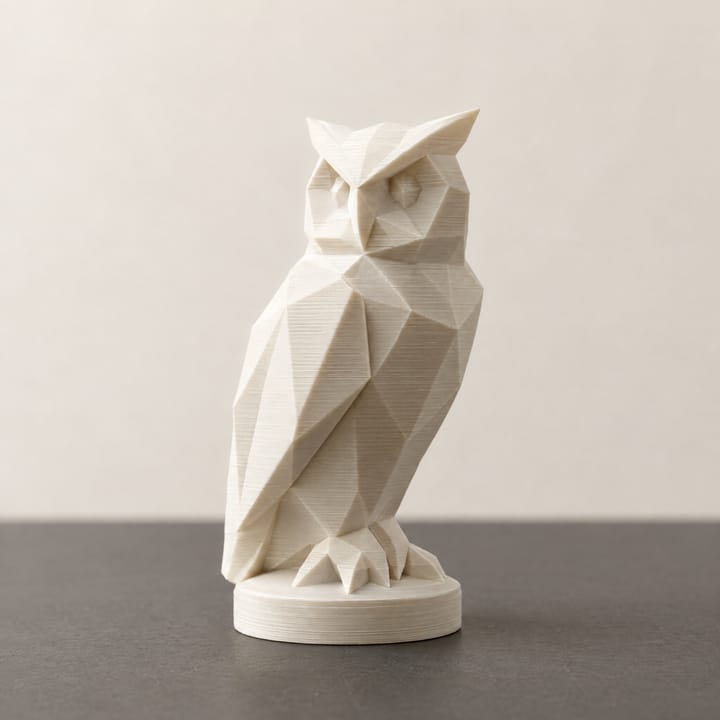
Studio models from text and photos
Describe an object or upload a photo to get a 3D model or an image, then download STL, OBJ, or GLB.
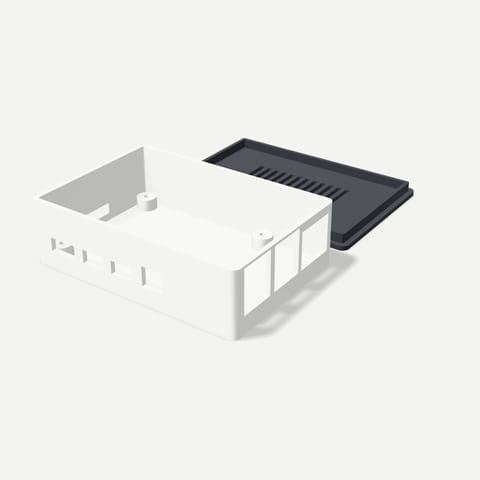
Assistant just describe the task
Picks the mode for you, builds a part to exact dimensions, and checks the measurements. Anything paid runs only after you confirm.
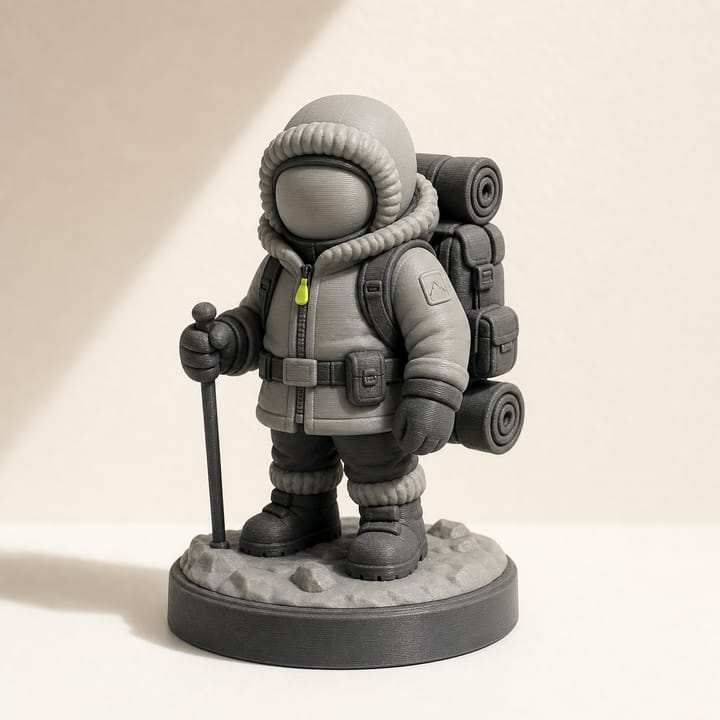
3D character a figurine from a photo
A photo, a few questions, and a choice of render: you get a 3D figurine and an STL for your slicer.
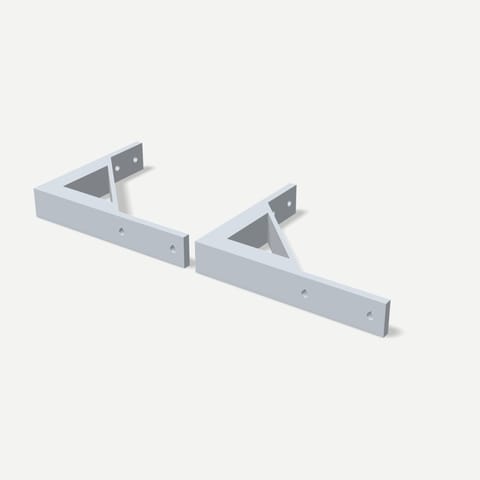
OpenSCAD exact dimensions
Code, parameter sliders, and ready-made templates. You can also have the code written from a description.
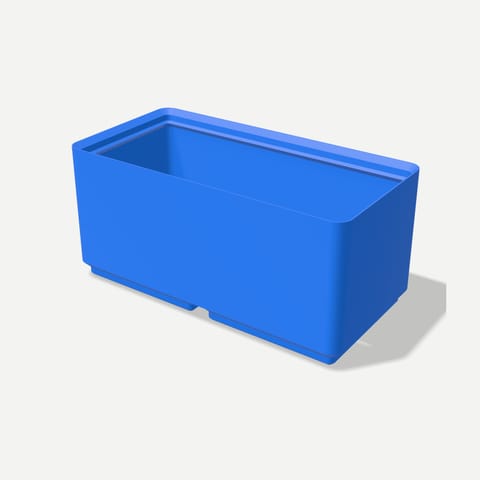
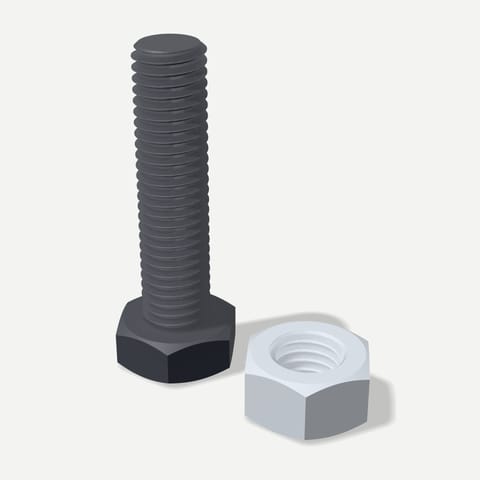
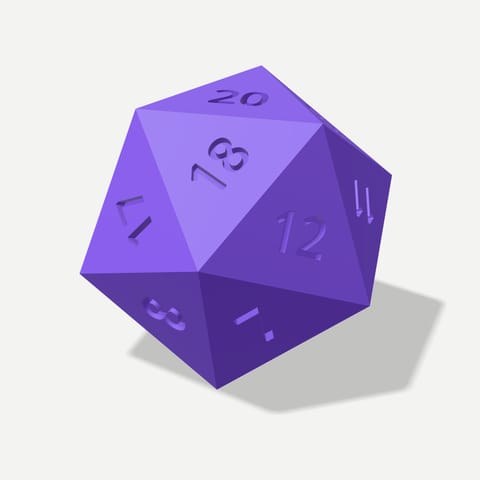
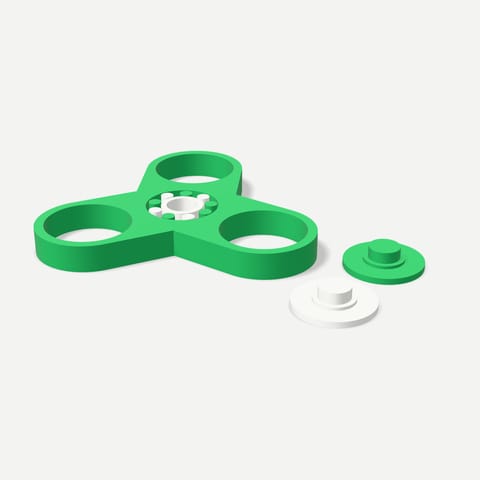
Tools generators and utilities
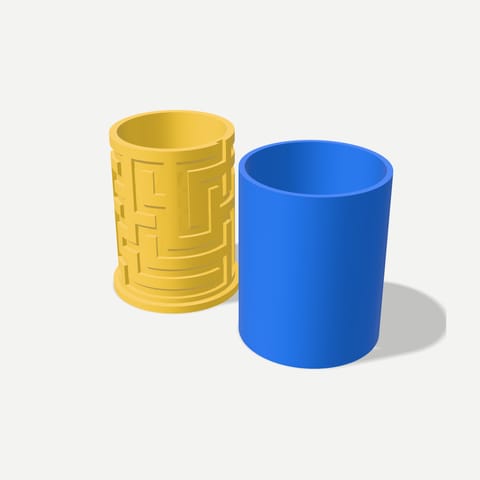
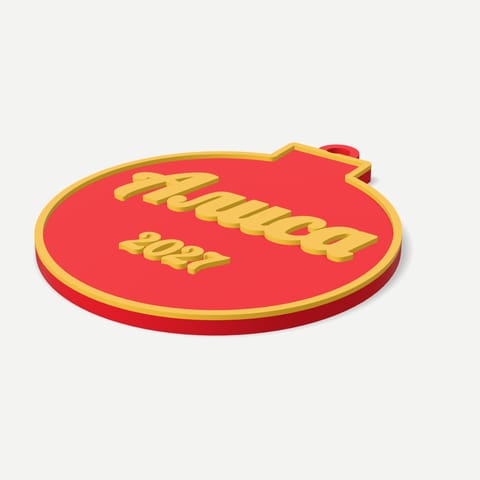
Boxes, fasteners, gifts, model repair, calibration, and G-code, all computed in your browser.
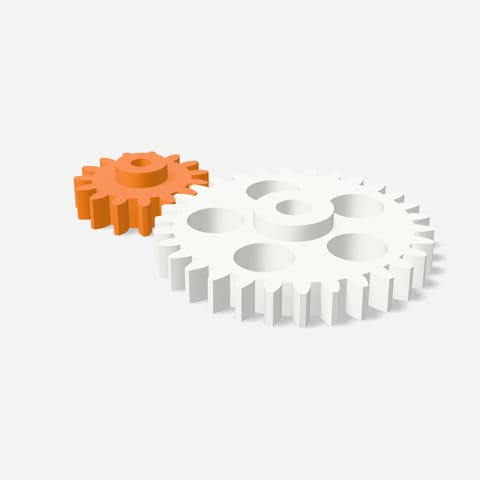
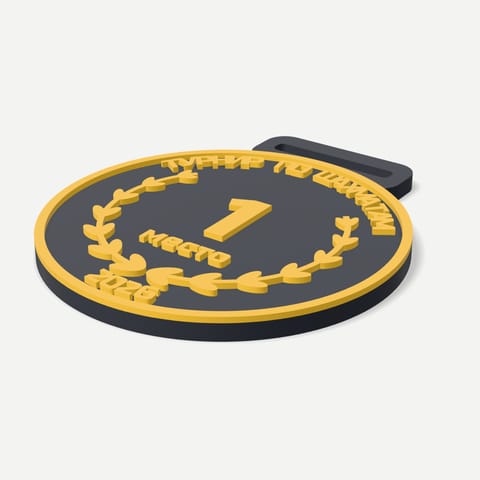
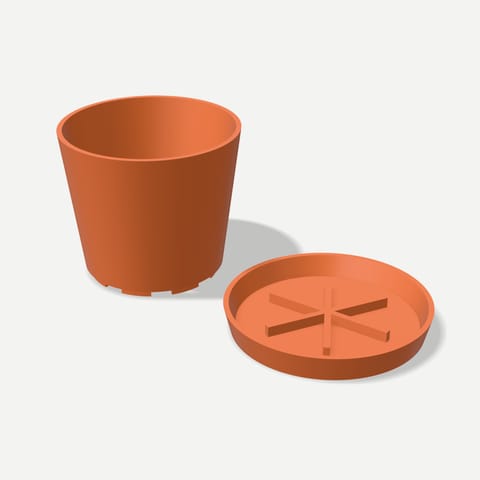
Library everything you've made
Models and images, with search. Share a model by link, and it opens without signing in.
-
Model catalog on polyzon.org
Ready-to-print models and a 3D viewer, with the same Polyzon account.


101 free tools
Generators and utilities for 3D printing build the model right in your browser: no tokens needed, and your files aren't uploaded to a server.
How it works
Three steps from an idea to a file for your slicer. All in your browser.
-
Describe an object or upload a photo
Text works well for ideas, a photo for an accurate silhouette. Parts with exact dimensions are easier to make in OpenSCAD.
-
Inspect the model in 3D
The model opens right in your browser: turn it to see every side and, if needed, make a new version.
-
Download the file and print
STL and OBJ open in Cura, PrusaSlicer, and Bambu Studio. GLB works in other 3D apps.
What it costs
You can start for free: you get tokens when you first sign in. Each generation's price is shown before you start, and failed generations cost nothing.
- Free when you first sign in
- 1 3D model
- Tools and OpenSCAD parts
- Free
- Assistant, within the daily limit
- Free
- Credit card to get started
- Not required
FAQ
Didn't find your answer? Email us at support@polyzon.org.
How much does it cost?
You can start for free: when you first sign in, you get 20 tokens, Studio's internal currency. That's enough for 1 3D model or 2 images. Tools and OpenSCAD parts are always free, and if a generation fails, your tokens come back. Each generation's price is shown before you start it, and all prices are listed in Studio under Balance & pricing.
How do I get more generations?
Generations use tokens, and you get 20 tokens when you first sign in. Tools and OpenSCAD parts work without tokens, and the assistant replies for free within the daily limit.
Can I send a model straight to my 3D printer?
Download the STL or OBJ, open it in Cura, PrusaSlicer, Bambu Studio, or another slicer, and prepare G-code for your printer. Complex geometry may need supports, as with any 3D model.
Which works better: text or a photo?
Text is good for quickly exploring shapes and ideas. A photo gives the model a more accurate silhouette. For the most control, first create an image from a description, then turn it into 3D.
How does the assistant help?
You can describe your task to the assistant in plain words, as you would to a person. It decides what to make: a 3D model, an image, or a part to exact dimensions in OpenSCAD. It builds the part right in your browser, checks the measurements, and keeps fixing it until the dimensions match. Paid generations start only after you confirm.
What is OpenSCAD for?
OpenSCAD builds parametric models with exact dimensions: mounts, enclosures, gears, organizers. You can change the dimensions without remodeling anything by hand.
Are the tools really free?
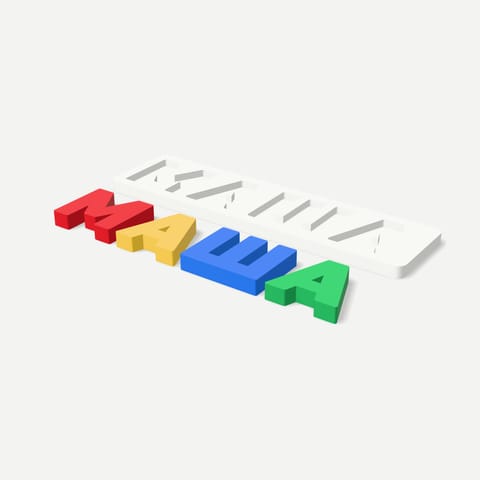
Yes. The generators and utilities under Tools build the model right in your browser, so no tokens are needed, and your files aren't uploaded to a server. You can download the finished model as STL, or a multicolor one as 3MF with a separate part for each color.
Which formats can I download?
For printing: STL and OBJ, plus 3MF in the tools. For 3D apps: GLB, FBX, and USDZ. Images download in raster formats. The available formats depend on the mode.
Do I need to install Blender or other software?
No. Generation, viewing, tools, and the Library all work in your browser. You'll only need a slicer at the last step, to prepare G-code for your printer.
Can other people see my models?
No, your models are stored in your private Library. A model can be shared by link only if you choose to.
Who do I contact if something goes wrong?
Studio has a Help section where you can chat with the Polyzon team. The reply arrives there, and the section shows a badge. You can also email support@polyzon.org.


